

Getting started with WAHAAZE VPN begins with a subscription and ends with a connection in VPNClient. This guide takes you through that journey, including where to find your VPN login and how to manage renewal later.
Choose The Plan That Fits Your Routine
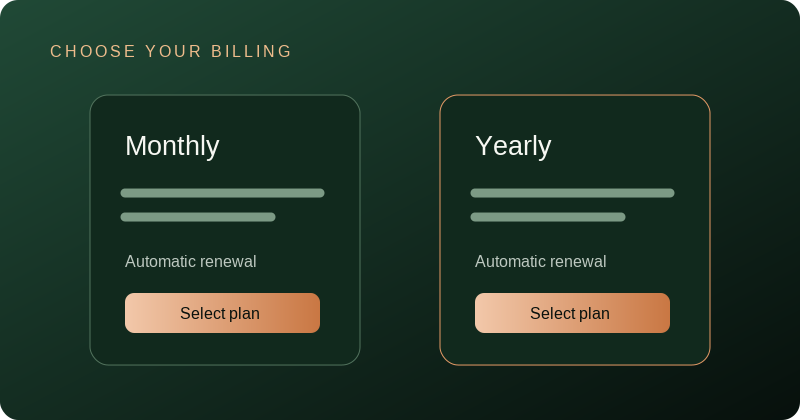
Start on the VPN plans page. The monthly plan is $4.99 per month, while the annual plan is $58.63 per year. Both renew automatically until you cancel future renewals. Choose the plan you prefer, add it to your cart, and continue to the shop checkout.
Complete Checkout And Open Your Account
Use the payment option offered at checkout and follow any approval steps. Wait for the shop to confirm that payment has completed. If a payment is pending, it has not yet been confirmed; check your existing order or contact vpn@wahaaze.com before placing the same order again.
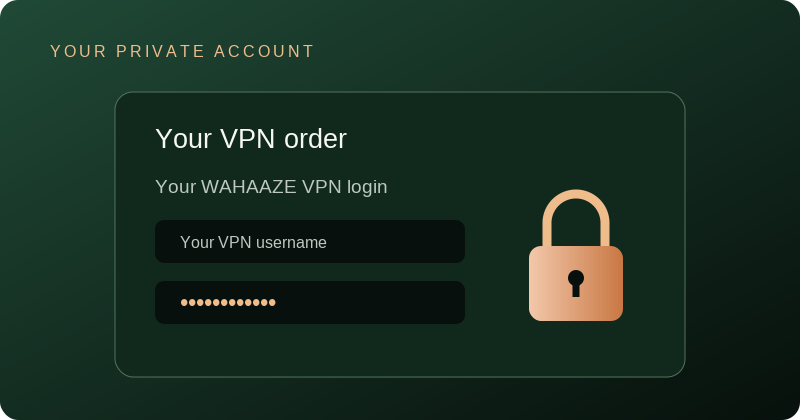
After payment and VPN activation, sign in to My Account, open Orders, and view your VPN order. The section titled “Your WAHAAZE VPN login” contains the VPN username and password you will use in VPNClient. Keep these details private. Your shop password and VPN password serve different purposes.
Install VPNClient And Connect
Visit Apps For Your Devices and choose the download for Windows, macOS, iPhone/iPad or Android. Install VPNClient, then sign in with the VPN username and password from your order.
Your device may ask permission to add a VPN configuration. On a Mac, an installation prompt may instead ask for your Mac account password; use that password for the macOS prompt, and your VPN login inside VPNClient.
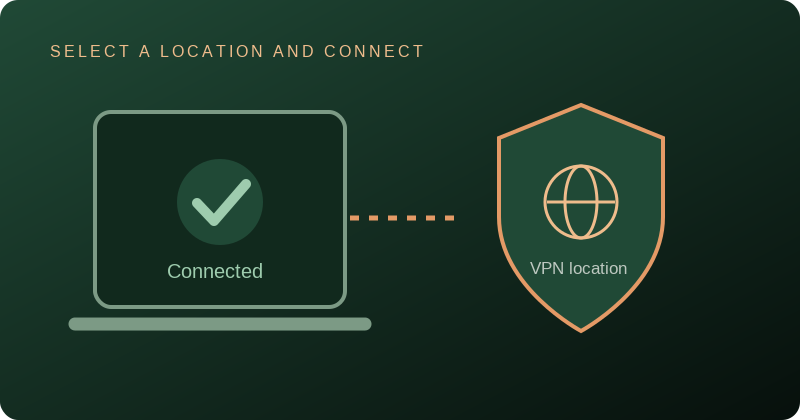
Choose a server location in the app, then connect. When the app shows a connected status, your VPN session is active. Our Servers Worldwide directory helps you explore available countries and cities. One subscription supports up to 10 simultaneous VPN connections.
Manage Your Subscription And Keep Access Current
Open the Subscriptions section of My Account to see your subscription status and next payment date. Billing renews automatically while the subscription remains active. After a successful renewal payment, your VPN access is extended.
The “Current paid access through” date on your order describes the paid VPN access period. It is not a scheduled subscription cancellation date. If you later decide to stop future renewals, manage cancellation from your subscription in My Account.
If you need help, email vpn@wahaaze.com with your order number and a short description of the problem. Do not send your VPN password or payment-card details.